Name Tracing Generator
Type your child's name and get a printable name tracing worksheet instantly. Paste a class list to make a page for every student. Free, no sign-up.
- Free, no sign-up
- No AI — answers are calculated, not guessed
- Made in your browser, nothing uploaded
Example worksheets
Made with this tool — click any example to see it full size.
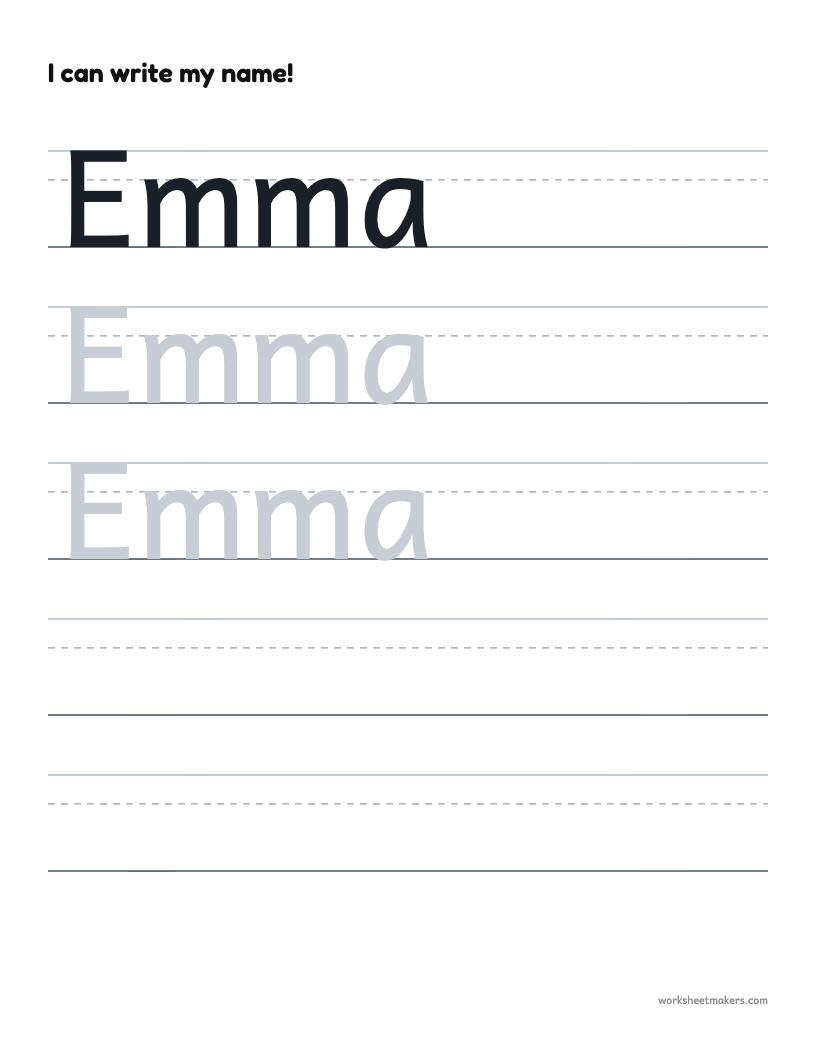
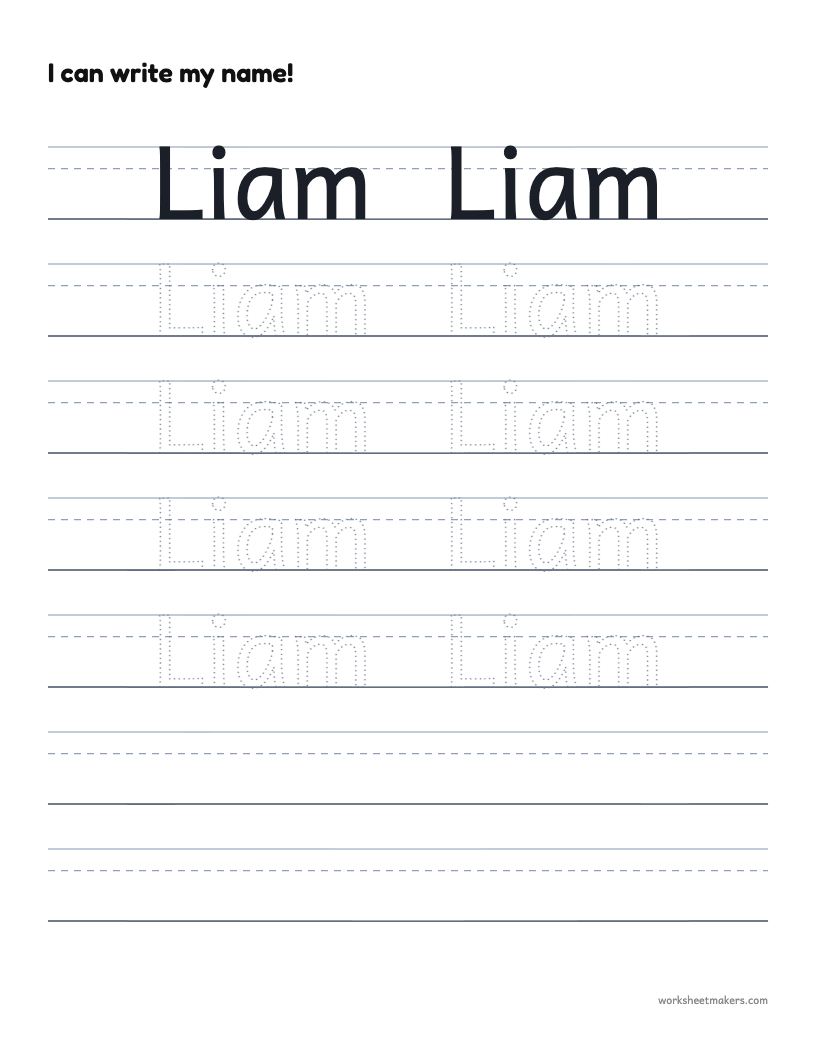
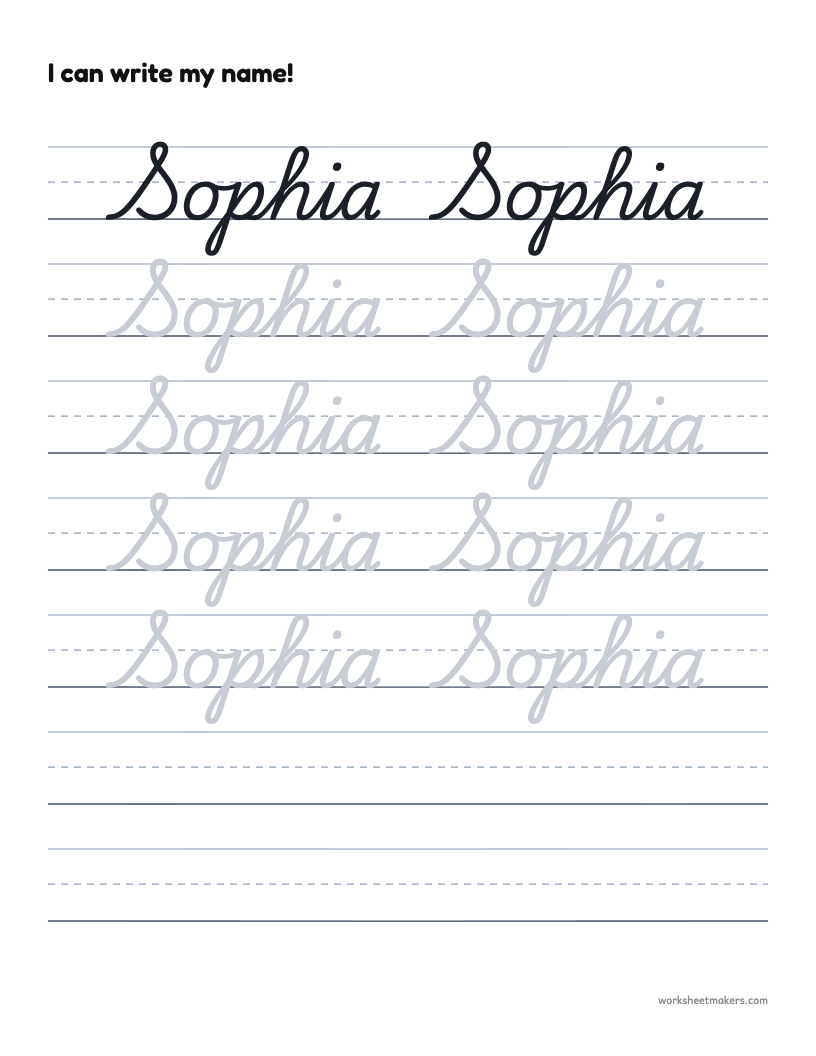
How to make a name tracing worksheet
- Type a name in the box. For a whole class, put one name on each line.
- Pick a letter style (print, school print or cursive) and a size that suits your child's age.
- Choose light gray, dotted or outline letters for tracing.
- Click Print / Save as PDF. That's it.
Why practice writing their own name?
A child's name is usually the first word they want to write, and it is full of the letters that matter most to them. Tracing it again and again builds pencil control, letter recognition and confidence at the same time. Most preschool and kindergarten teachers expect children to write their first name by the end of the year, so a few minutes of name tracing practice each day goes a long way.
Tips for little writers
- Start big. Use the extra large size until your child can stay close to the lines.
- Uppercase first, then lowercase. Write the name in capitals at first (EMMA), then switch to “Emma” as your child learns lowercase letters.
- Trace, then try. Every sheet ends with blank rows so your child can write the name on their own.
- Keep it short. One page a day is plenty. Print a new one when they are ready.
Editable name tracing for teachers
Paste your class list once and print an individual name tracing page for every student — perfect for the first weeks of school, morning work or a writing center. Each page is labeled with the child's name and nothing is saved on our servers.
Frequently asked questions
Is the name tracing generator really free?
Yes. You can make and print as many name tracing worksheets as you like without an account or a watermark.
Can I make name tracing sheets for my whole class?
Yes. Type or paste one name per line and every child gets their own page. Print them all at once.
Which letter style should I use?
Use Print for preschool and kindergarten. “School print” has the simple ball-and-stick shapes many US schools teach. Choose Cursive for older children learning joined handwriting.
Can I write uppercase and lowercase letters?
Yes. Type the name exactly how you want it traced, for example “Emma” or “EMMA”.
How do I save it as a PDF?
Click “Print / Save as PDF” and choose “Save as PDF” as the printer in your browser’s print window.
What size should the letters be?
Extra large (about 1 inch tall) suits 3–4 year olds. Large works for kindergarten, and medium or small for first grade and up.
More free worksheet makers
Handwriting Worksheet Maker
Turn any words or sentences into handwriting practice.
Cursive Worksheet Generator
Cursive tracing and copy work from your own text.
Alphabet Tracing Worksheets
Letter tracing A to Z, uppercase and lowercase.
Number Tracing Worksheets
Trace 0–10, 1–20 or any numbers, with number words.